Hoppscotch Desktop App
Cross-platform desktop application that runs on macOS, Windows, and Linux.
Hoppscotch Desktop App is a cross-platform desktop application that helps you create and manage API requests. It is built on top of the Hoppscotch Web Client and is powered by Tauri.
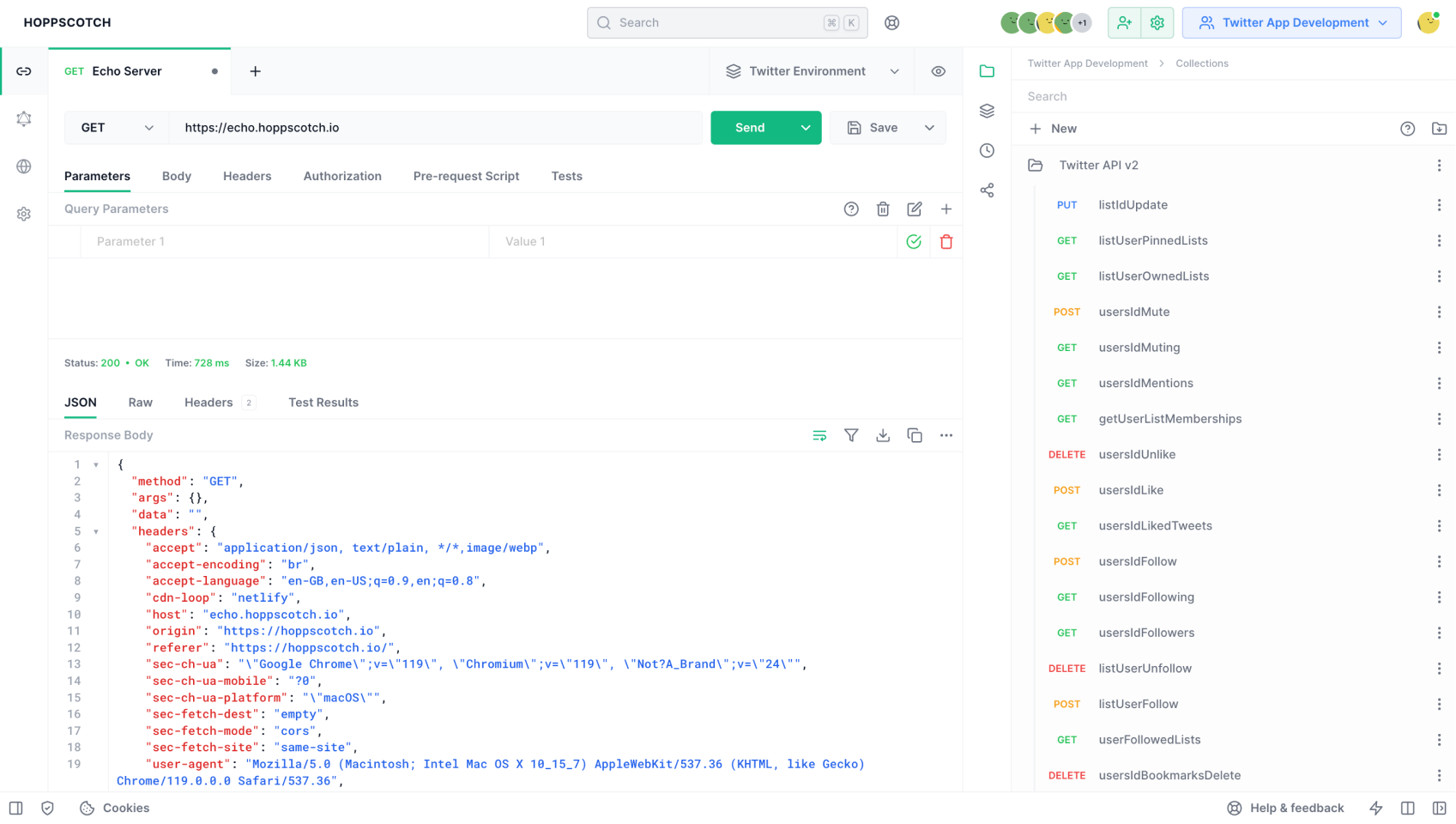
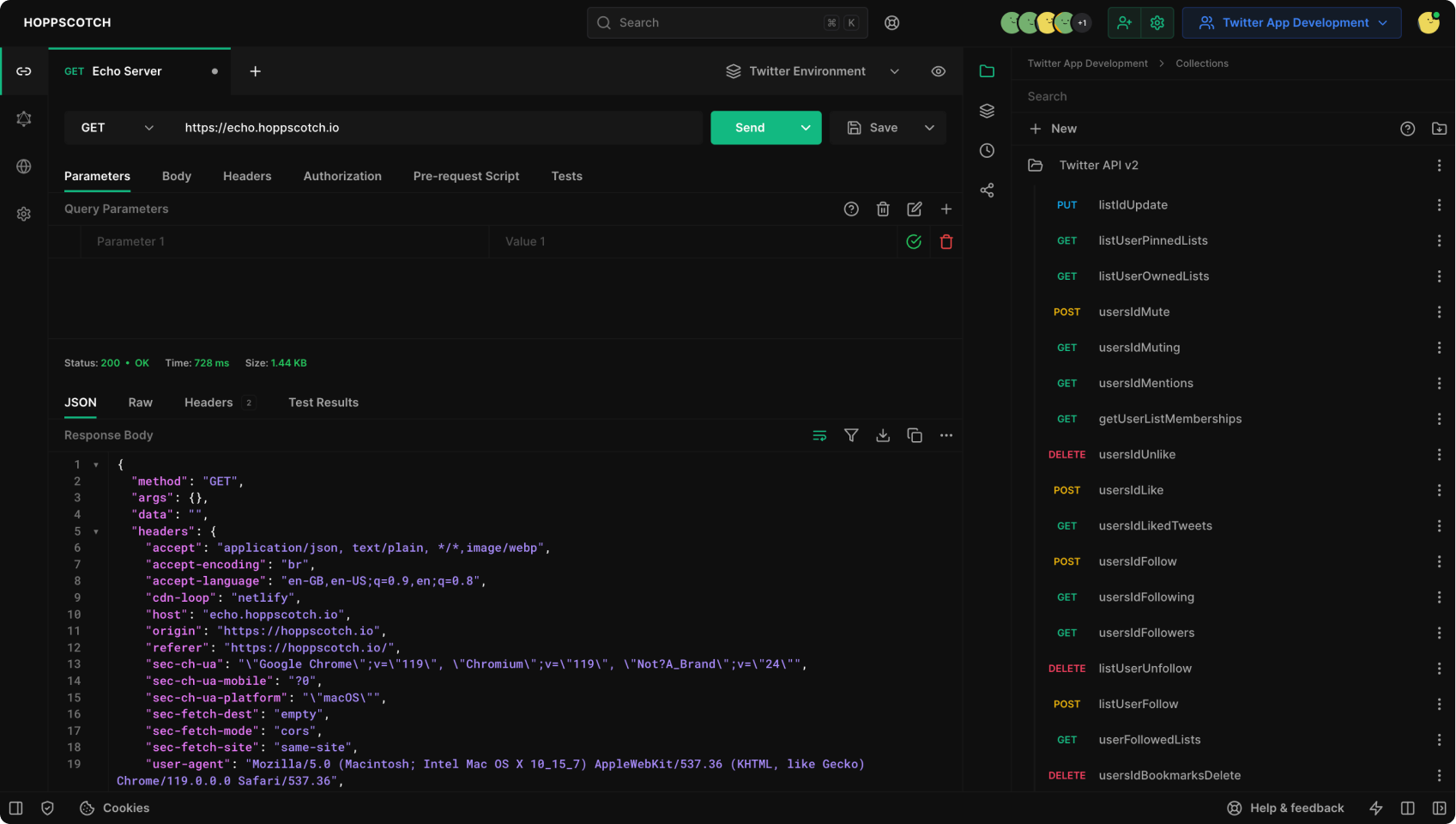
Download Hoppscotch Desktop App
Download the latest version of Hoppscotch Desktop App for your operating system:
Install Hoppscotch Desktop App
- Download the latest version of Hoppscotch Desktop App from the links above or from official website.
- Open the downloaded file.
- Follow the on-screen instructions to install Hoppscotch Desktop App.
- Open Hoppscotch Desktop App.
- If you see a warning message, click "Open".
Access Hoppscotch
Hoppscotch Cloud Edition for Individuals
Seamlessly access Hoppscotch Cloud Edition from Hoppscotch Desktop App:
- Open Hoppscotch Desktop App.
- Click the Hoppscotch logo in the top-left corner.
- Click "HOPPSCOTCH CLOUD".
- Sign in with your Hoppscotch Cloud account to access your workspaces and collections.
Hoppscotch Cloud Edition for Organizations
This feature is coming soon.
Hoppscotch Self-Hosted Edition for Community
To enable desktop app support for your self-hosted Hoppscotch instance, make sure to update the WHITELISTED_ORIGINS environment variable in your .env file with your deployment URL.
e.g. to allow connection to https://hoppscotch.my-domain.com you need to add app://hoppscotch_my_domain_com and http://app.hoppscotch_my_domain_com to the WHITELISTED_ORIGINS environment variable.```bash
WHITELISTED_ORIGINS=...existing_origins,app://hoppscotch_my_domain_com,http://app.hoppscotch_my_domain_com
Add your self-hosted Hoppscotch Community Edition instance to Hoppscotch Desktop App:
- Open Hoppscotch Desktop App.
- Click the Hoppscotch logo in the top-left corner.
- Click "Add an instance".
- Enter the URL of your self-hosted Hoppscotch instance.
- Click "Connect".
You can also self-host Hoppscotch Desktop App. Follow the instructions in the Hoppscotch GitHub repository.
Hoppscotch Self-Hosted Edition for Enterprise
To enable desktop app support for your self-hosted Hoppscotch instance, make sure to update the WHITELISTED_ORIGINS environment variable in your .env file with your deployment URL.
e.g. to allow connection to https://hoppscotch.my-domain.com you need to add app://hoppscotch_my_domain_com and http://app.hoppscotch_my_domain_com to the WHITELISTED_ORIGINS environment variable.```bash
WHITELISTED_ORIGINS=...existing_origins,app://hoppscotch_my_domain_com,http://app.hoppscotch_my_domain_com
Add your self-hosted Hoppscotch Enterprise Edition instance to Hoppscotch Desktop App:
- Open Hoppscotch Desktop App.
- Click the Hoppscotch logo in the top-left corner.
- Click "Add an instance".
- Enter the URL of your self-hosted Hoppscotch instance.
- Click "Connect".
You can also self-host Hoppscotch Desktop App. Follow the instructions in the Hoppscotch GitHub repository.
Show your support! Star us on GitHub ⭐️